EWALD Documentation
Experimental WAXS Analysis for Lattice Determination
Package icon
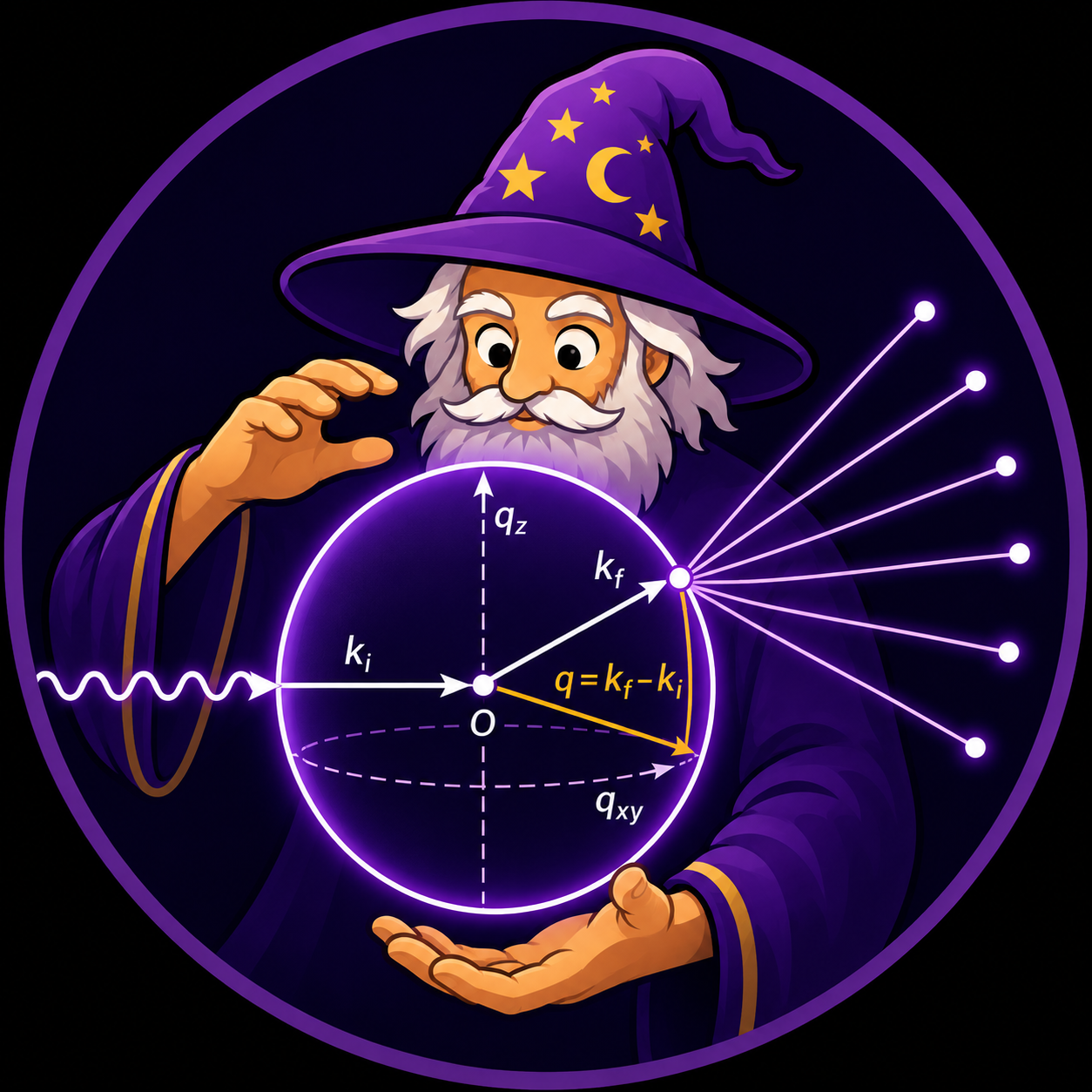
The EWALD package icon shown on this site was generated with help from a large language model.
EWALD is a Qt6 scientific workbench for GIWAXS/WAXS analysis. It brings detector-image import, calibration-aware q-space correction, ROI and peak fitting workflows, mathematical reciprocal-space conventions, lattice and structure-candidate ranking, CIF generation, and GIWAXS simulation into one project-based desktop interface. The simulation workflow compares experimental scattering targets against solved or generated CIF structures, including residual difference maps for judging fit quality.
Quick start
- Open Installation.
- Launch
ewaldand create or open an.ewldproject. - Open the workflow pages in sequence:
- Data Loading
- User Interface Overview
- ROI Tools
- Peak Identification
- Peak Fitting
- Mathematical Foundations
- Structure Analysis
What EWALD is for
- Correct and inspect detector images in
q<sub>xy</sub>andq<sub>z</sub>. - Build ROI definitions for lineout and azimuthal workflows.
- Integrate peaks and fit
q<sub>xy</sub>,q<sub>z</sub>, and azimuthal traces. - Follow documented derivations for q-space mapping, reciprocal lattices, Bragg conditions, ROI integrations, peak fitting, and simulation residuals.
- Rank lattice candidates in Structure Analysis and compare with GIWAXS simulations.
- Generate pole figures and export simulation/analysis outputs.
Main workflow
The standard workflow is:
- Create or open an
.ewldproject. - Import
.tif/.tiffdata (single files or folders). - Load correction assets (
PONI,MASK) and confirm image correction state. - Work in Data Viewer and define ROIs.
- Use Peak Identification and Peak Fit to produce peak centers and metrics.
- Import fitted peaks into Structure Analysis and evaluate candidate structures.
- Run or refine GIWAXS simulation as needed.
- Export outputs for downstream reporting and reuse.
Documentation map
Getting started
If this is your first run:
User Guide
- User Interface Overview
- Data Loading
- Calibration
- Detector geometry and corrections
- Mathematical Foundations
- ROI Tools
- Peak Identification
- Peak Fitting
- Structure Analysis
- Pole Figure Generator
- Film Optics
- Simulation Tool
- Troubleshooting
Tutorials
Use these for task-based workflows:
- Loading data and viewing a GIWAXS image
- Creating and editing ROIs
- Identifying peaks
- Fitting
q<sub>xy</sub>andq<sub>z</sub>traces - Exporting fitted peaks
- Using Structure Analysis
- Running a basic simulation
- Using film optics inputs
- Building the docs locally
Developer
- Repository Notes
- Add a new documentation page
- Documentation style guide
- Documentation maintenance checklist
- Project structure
- Feature planning
Scope notes
EWALD is actively developed. This documentation marks each feature as:
- Implemented where workflows are currently wired.
- Experimental where behavior may change in near-term releases.
- Planned for work not yet in the active user path.
Where a feature is not yet implemented, the docs call it out directly in its topic.
Local sample data and generated outputs are not committed to the repository.
Project-specific datasets should live under the ignored example/projects/
tree without changing the Git checkout.