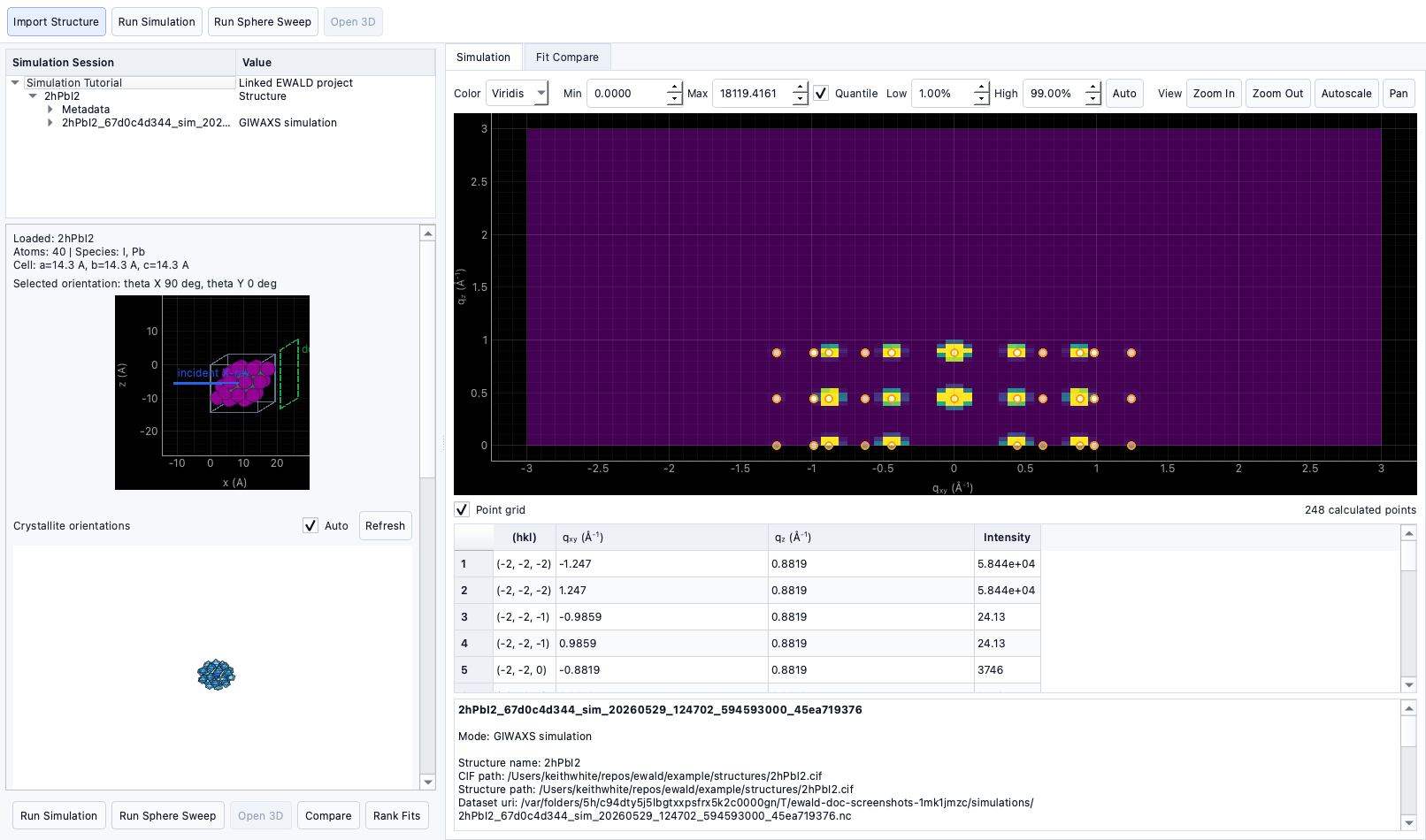
Simulation Tool
Documentation notice
This documentation was generated with help from a large language model and has not been fully vetted by the developer. Verify critical details against the source code and current application behavior.
The GIWAXS simulation tool compares experimental context to crystal-structure-based predictions. For the Ewald-sphere, structure-factor, and residual-map equations behind these comparisons, see Mathematical Foundations.
Loading structures
- Supported files:
*.cif,*.mcif,POSCAR*,CONTCAR*,*.vasp. - Structure import is available from the file chooser and remembered history.
Crystal orientation
- Set
theta_xandtheta_ymanually. - Fine-tune angular distributions (
sigma_theta,sigma_phi,sigma_r).
Presets
- Single crystal
- 2D vertical
- 2D horizontal
- Isotropic
Geometry views
- Simulated image is shown on its own plot with contrast and style controls.
- Peak table metadata is shown alongside plots.
Fit comparison
- The comparison objective is the RMSE of the displayed difference map after robust normalization and scale/offset fitting.
- A solved structure that matches the target should drive the difference map and
Difference RMSEtoward zero. - The
Generated CIFscontrol simulates the top ranked generated CIF records from Structure Analysis, ranks them against the linked experimental q-space target, and opens a table where each candidate's difference map can be inspected. - Correlation, weighted RMSE, and peak overlap are reported as diagnostics and ranking tie-breakers, not as the primary objective.
Theta sweep vs Ewald sphere sweep
- Pattern mode: direct 2D simulation for selected settings.
- Ewald sweep mode: low-resolution orientation sweep over
theta_xandtheta_y.
Orientation distribution
- Sweep and distribution parameters control spread in simulated lattice orientation.
Cached results
- EWALD stores simulation state and reuses cached results when settings match.
- Changing inputs invalidates cache behavior and triggers fresh runs.
Exporting simulations
- Save simulation outputs to NetCDF-like dataset records and inspect metadata.
- Use simulation table controls to reload recent outputs.