Tutorial: Building the EWALD docs locally
Documentation notice
This documentation was generated with help from a large language model and has not been fully vetted by the developer. Verify critical details against the source code and current application behavior.
This tutorial is for contributors and users who want to check docs locally.
1) Install docs dependencies
From the repository root:
bash
python -m pip install -r docs/requirements.txt
docs/requirements.txt is intentionally isolated from runtime dependencies.
2) Preview docs with live reload
bash
mkdocs serve
Then open the local URL printed by MkDocs (usually http://127.0.0.1:8000).
3) Build static docs
bash
mkdocs build
The built site appears in site/.
4) Check for warnings
- Build output should be free of hard errors.
- Missing links and missing files usually appear with warning lines.
- If warnings appear, check links, image paths in
docs/assets, andmkdocs.ymlnav.
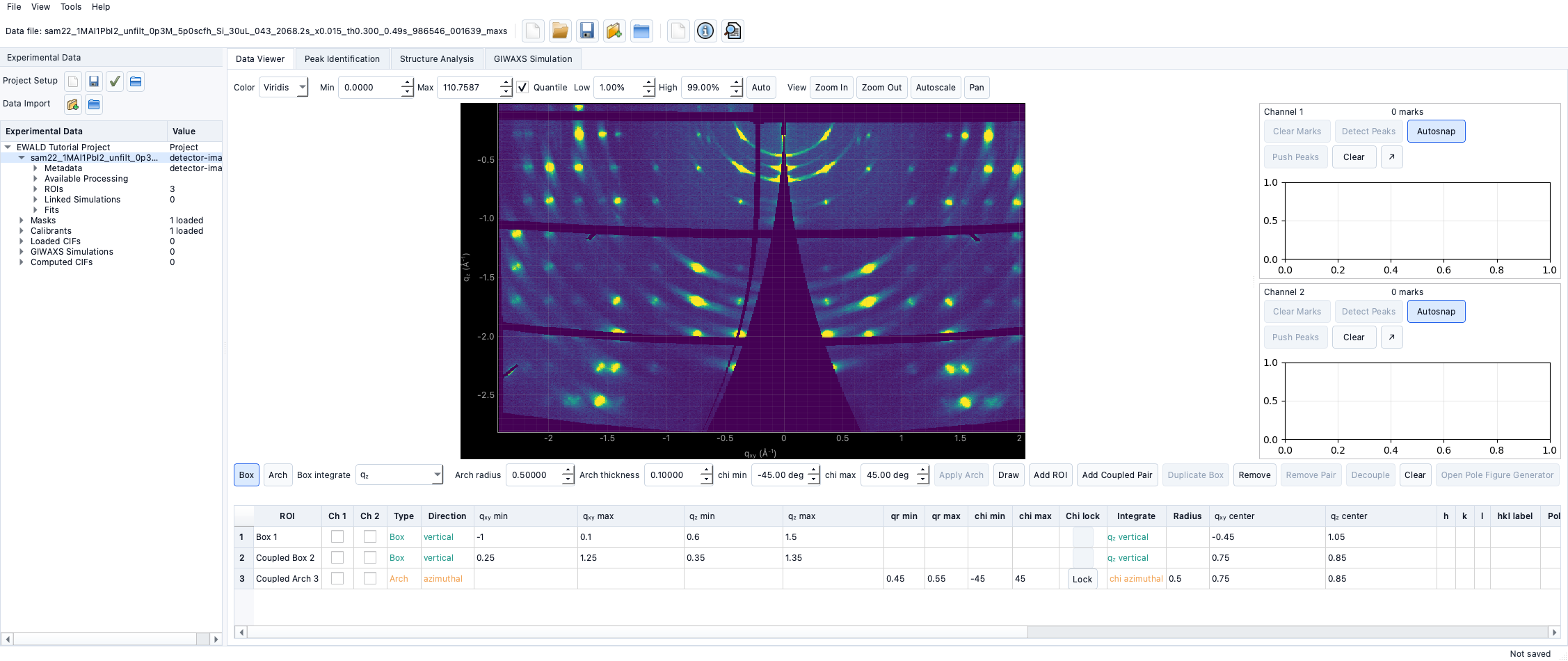
5) Refresh docs from screenshots and diagrams
- Generate UI captures from the active EWALD environment:
bash python scripts/generate_tutorial_screenshots.py - Store runtime captures under
docs/assets/screenshots/tutorials/. - Keep placeholders under
docs/assets/placeholders/only for workflows that do not yet have a stable capture. - Rebuild and confirm all docs pages render cleanly.