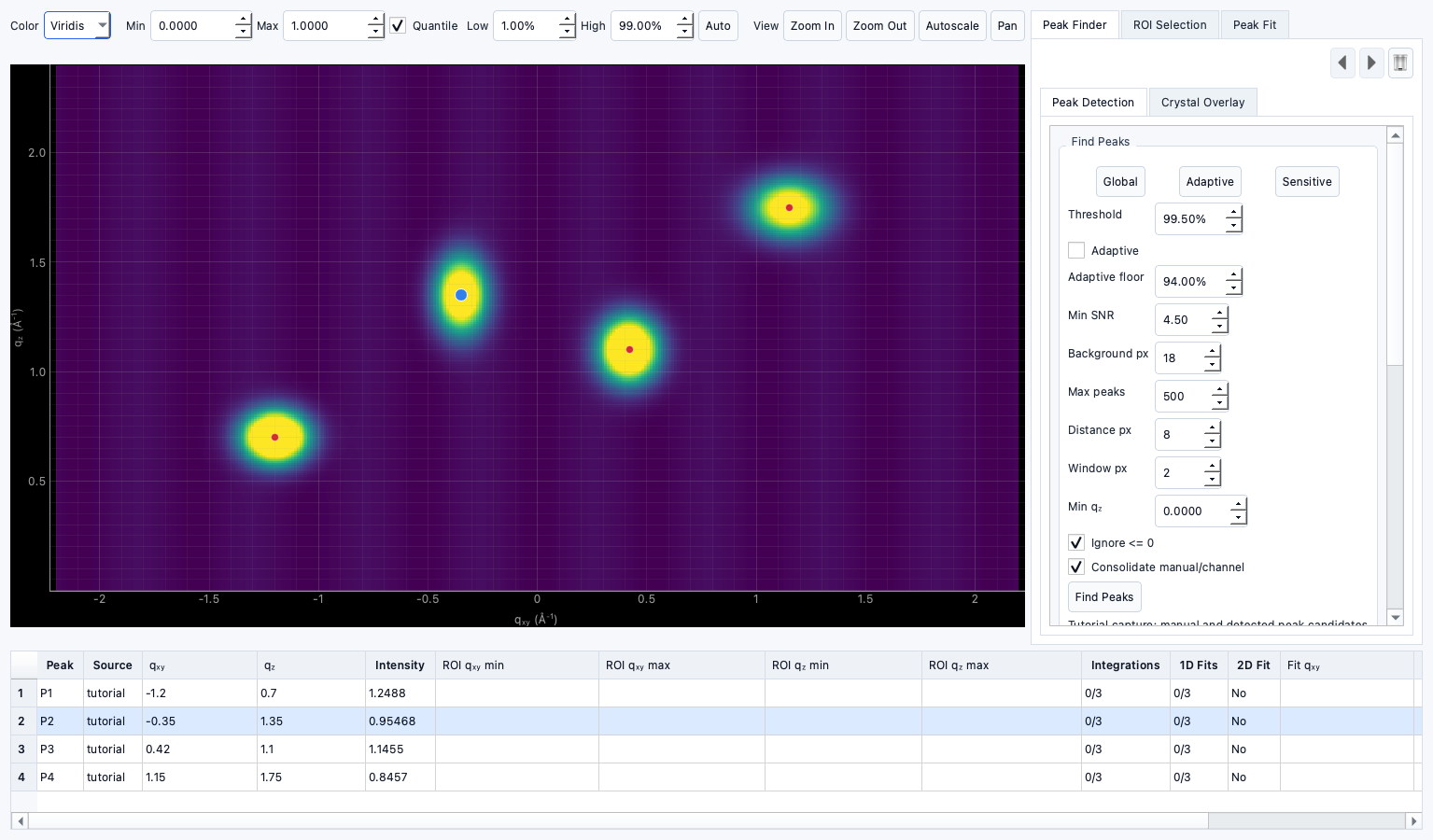
Tutorial: Identifying peaks
Documentation notice
This documentation was generated with help from a large language model and has not been fully vetted by the developer. Verify critical details against the source code and current application behavior.
1) Open Peak Identification
- Select an active data target.
- Navigate to Peak Identification.
2) Place points
- Click on obvious maxima.
- Optionally use snap-to-maximum actions.
3) Review channel plot
- Confirm one peak list per ROI or experiment.
4) Clean up
- Use undo/redo when adjusting placement.
- Remove accidental points.