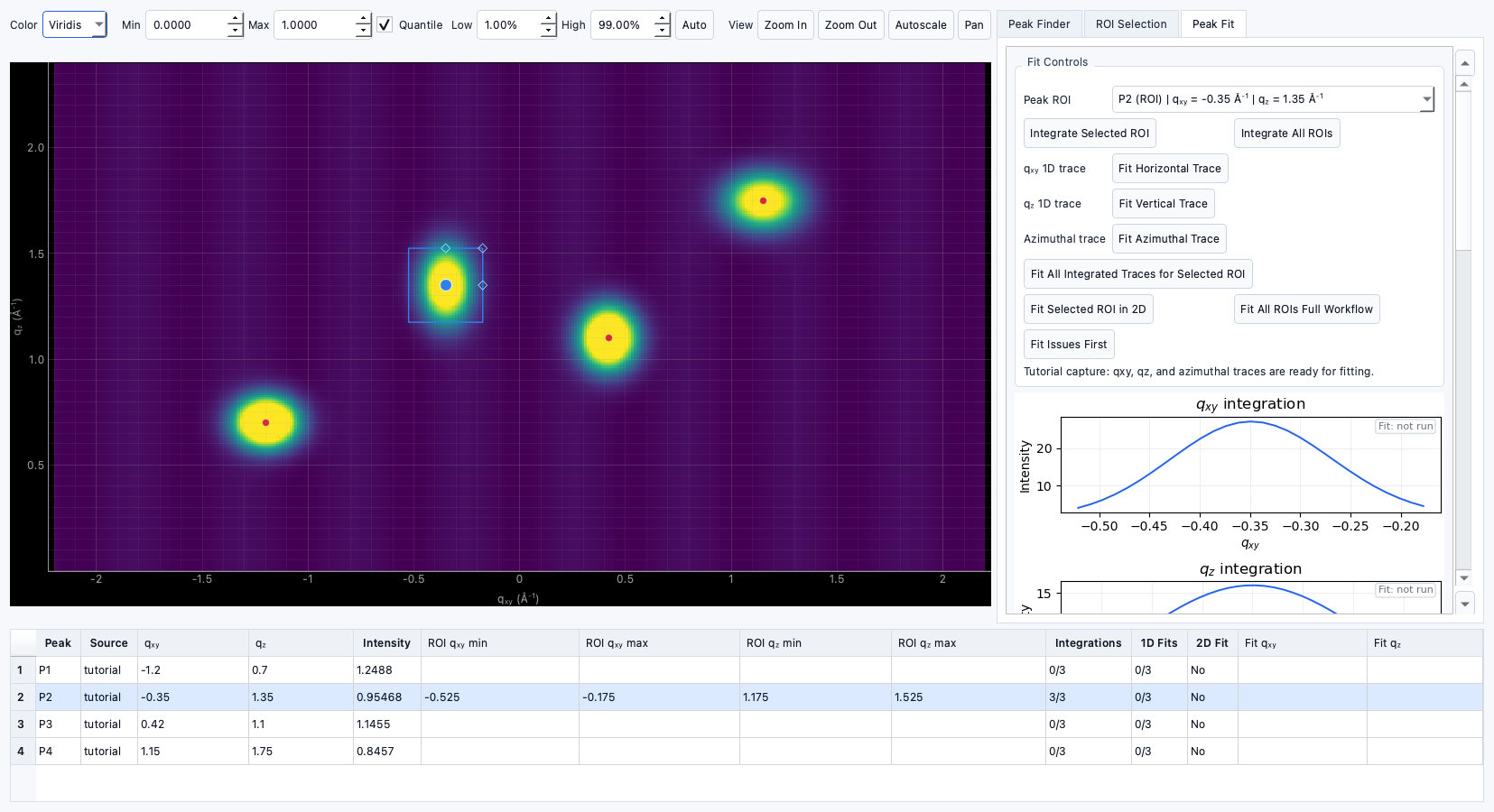
Tutorial: Fitting q<sub>xy</sub> and q<sub>z</sub> traces
Documentation notice
This documentation was generated with help from a large language model and has not been fully vetted by the developer. Verify critical details against the source code and current application behavior.
1) Select a ROI
- Ensure a box or arch ROI exists.
- Move to Peak Fit with a selected ROI.
2) Run integrations
- Generate 1D traces for:
q<sub>xy</sub>q<sub>z</sub>- azimuthal traces (for arch/appropriate contexts)
3) Run fits
- Fit each selected trace.
- Review fit status and statistics.
4) Inspect 2D fit
- Optional: fit ROI in 2D for joint center estimate.
5) Use results
- Push fitted centers into Structure Analysis for candidate evaluation.